See it anywhere.Buy it when it’s right.
Share any product from any app into AdWise. It keeps the picture, the page, and the price — and quietly re-checks that price a few times a day.
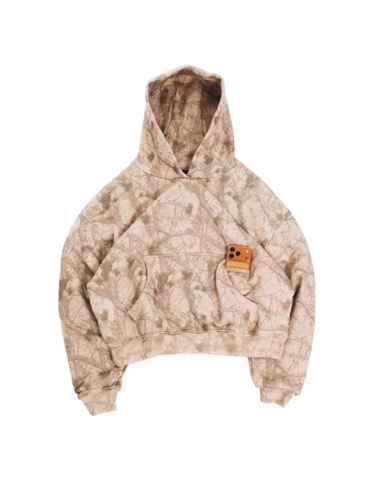
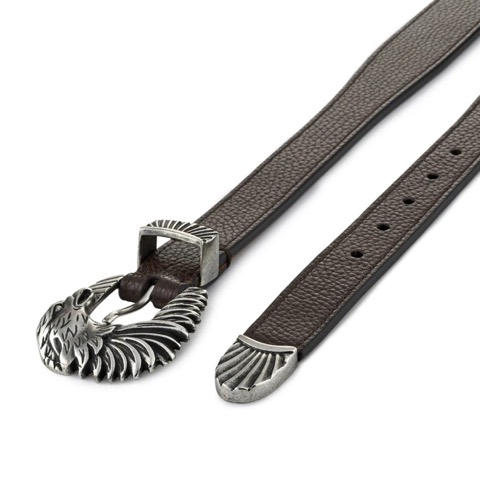
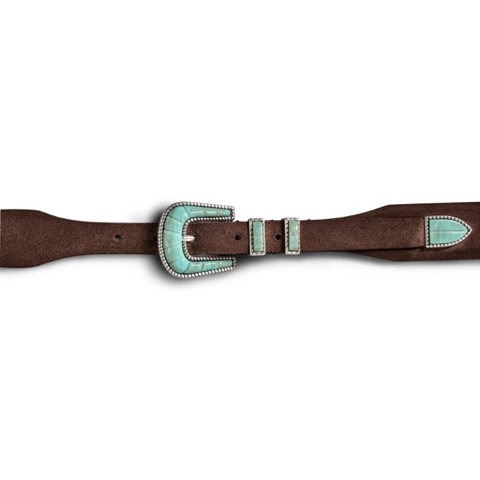
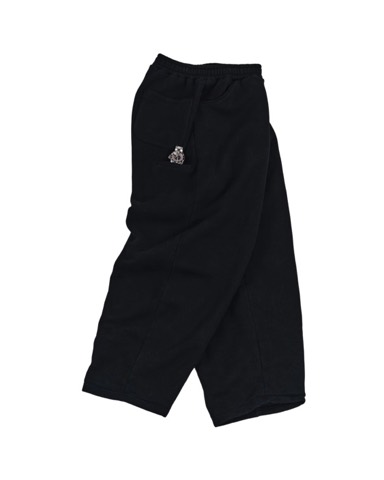
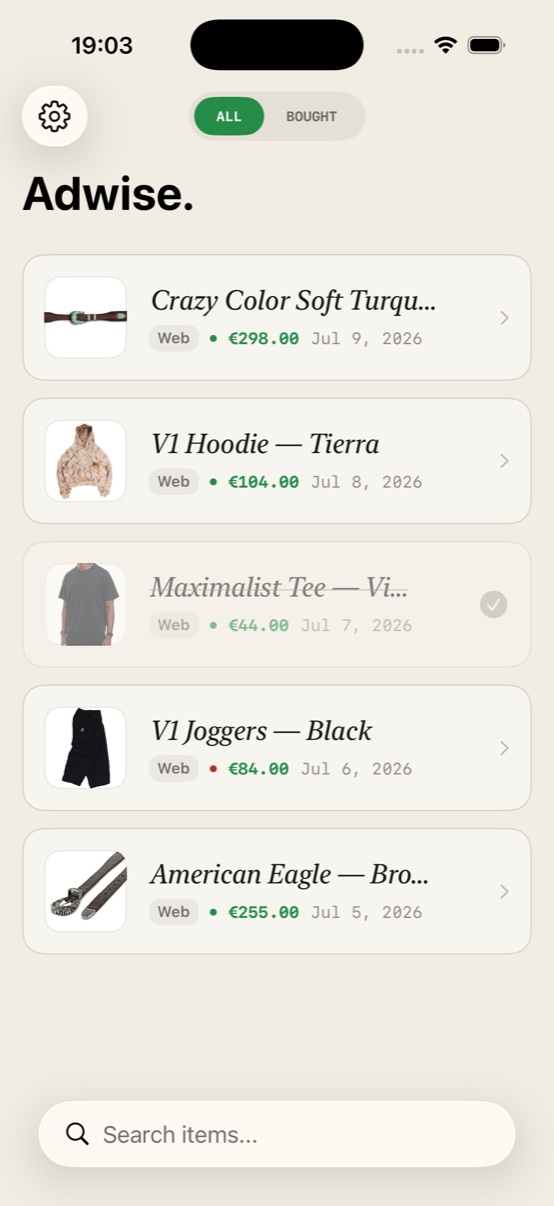
YOUR LIBRARY, ACTUAL SIZE
Eight tabs in. One library out.

Three moves, then it runs itself.
Capture it
A sneaker in Safari, a sofa on Instagram, a jacket in any shop’s app. Tap Share, choose AdWise — it’s saved before the tab closes.
AdWise watches
Prices re-check a few times a day; every change lands on a history chart. If the page dies, AdWise hunts down a live replacement on its own.
Buy at the right moment
See today’s price against its history and its lowest ever. Mark it bought — and watch what you saved add up in one place.
A quiet clerk for everything you almost bought.
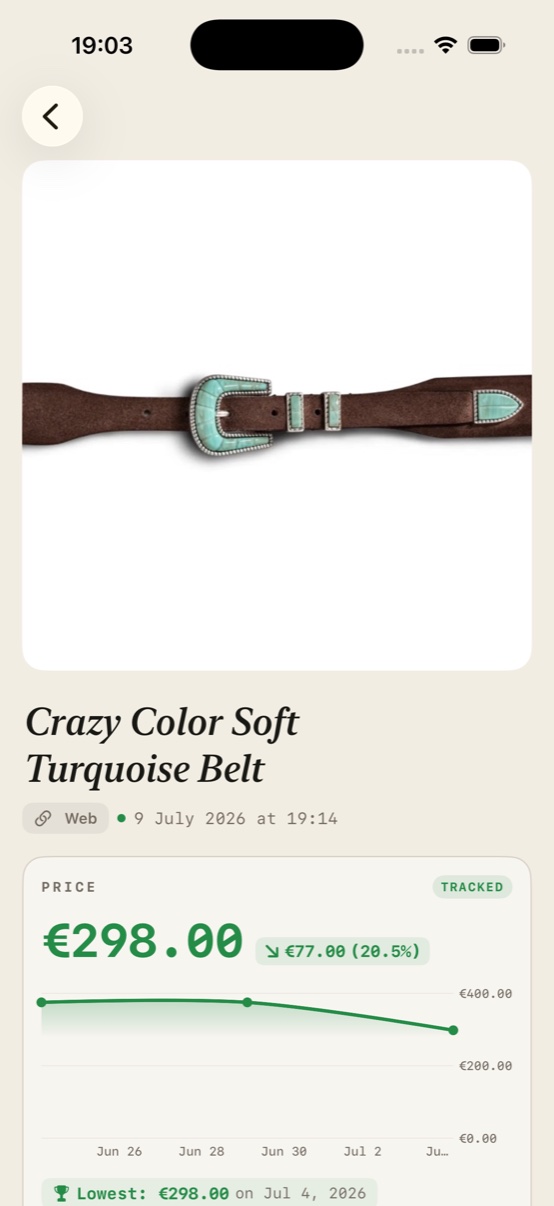
Open any item to see today’s price against its own history — the drop since you saved it, and the lowest price ever recorded, flagged with a trophy.
- Live prices
- Every saved item carries its current price and a full history chart — with the lowest price ever recorded flagged, so “is this a good deal?” has an answer.
- Still in stock?
- A small dot tells you whether the product page is still live. When something sells out for good, AdWise searches the web and offers a replacement link on its own.
- What everyone’s tracking
- Products show how many AdWise users track them, powered by the community’s shared price history.GROWS WITH EVERY USER
- Your library, shareable
- One link turns your wishlist into “Mike’s Library” for a friend — items, prices, and how much you’ve saved. No app? The link brings them here.
- Savings, counted
- Buy an item after its price fell and AdWise logs the difference. Your total lives in Settings: saved this much with AdWise.
Answered plainly.
How do I make AdWise appear first when I share?
There’s no permission dialog — iOS lists AdWise in every share sheet automatically once you’ve opened the app. To pin it to the front so it stays there everywhere:
- Open AdWise once after installing.
- Tap Share on any product page.
- Scroll the app row right and tap “More” — AdWise lives there until you favorite it.
- Tap “Edit”, add AdWise to Favorites, drag it to the top, and tap Done.
Does AdWise earn anything when I buy?
Sometimes. When you open a store like Amazon or eBay from AdWise, the link may carry an affiliate tag and the store pays us a small commission. It never changes the price you pay — it’s how AdWise stays free.
Why doesn’t an item show a price?
Some pages hide their price from automated readers or only reveal it after choosing a size or color. AdWise keeps retrying with progressively deeper techniques; if the store never exposes a price, the item stays saved without one.